如何使用微信小程序的canvas画布功能?
编辑:念旧

本教程讲解了如何使用微信小程序的canvas画布功能?操作起来是很简单的,想要学习的朋友们可以跟着小编一起去看一看下文,希望能够帮助到大家。
组件用法:
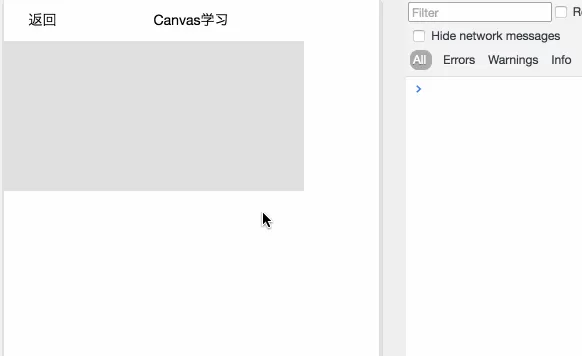
wxml
复制代码
js
Page({
...
mytouchstart: function(e){
console.log(\'touchstart\')
},
mytouchmove: function(e){
console.log(\'touchmove\')
},
mytouchend: function(e){
console.log(\'touchend\')
}
...
})
复制代码
wxss
.canvas1{
background-color: #E0E0E0;
}
复制代码
以上就是如何使用微信小程序的canvas画布功能的全部内容了,大家都学会了吗?
相关推荐








最新教程